Install & launch
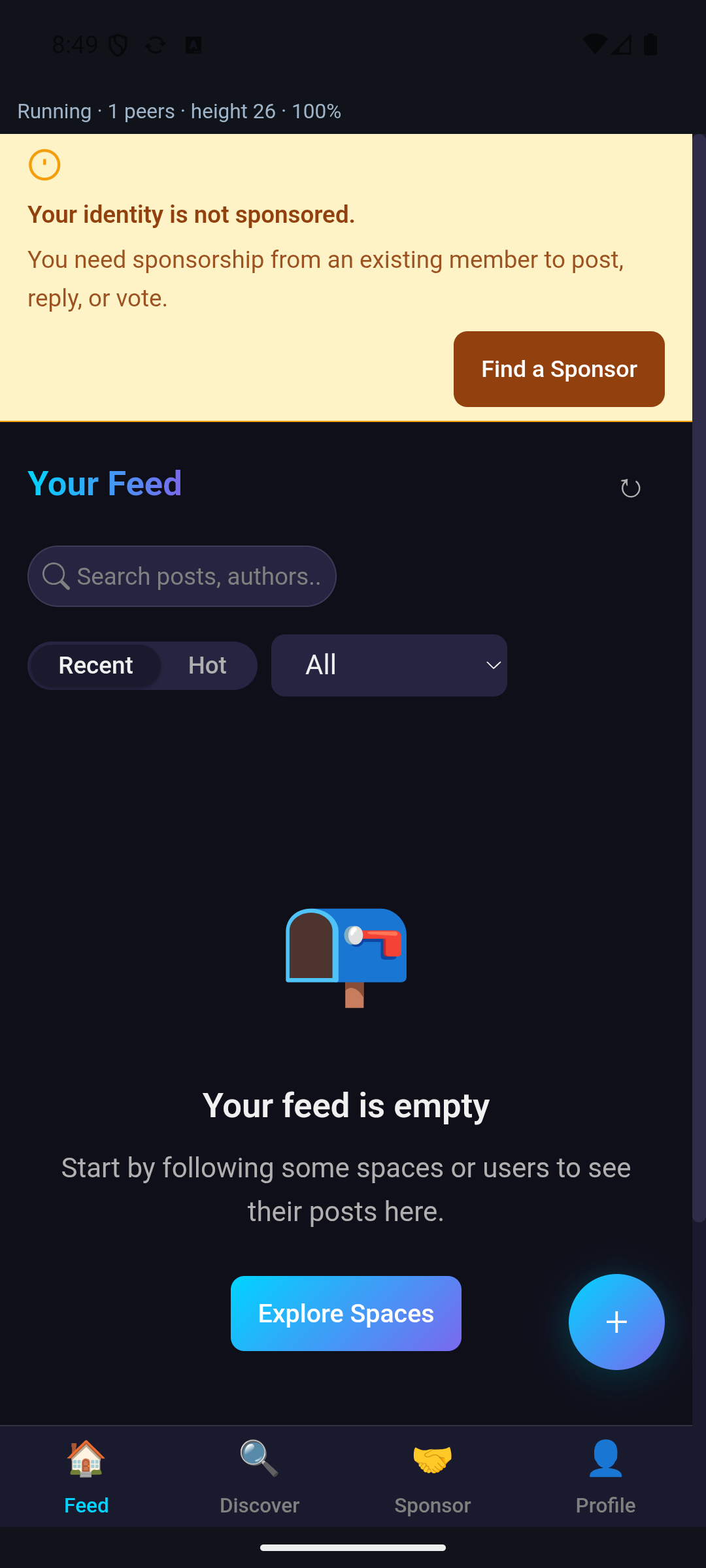
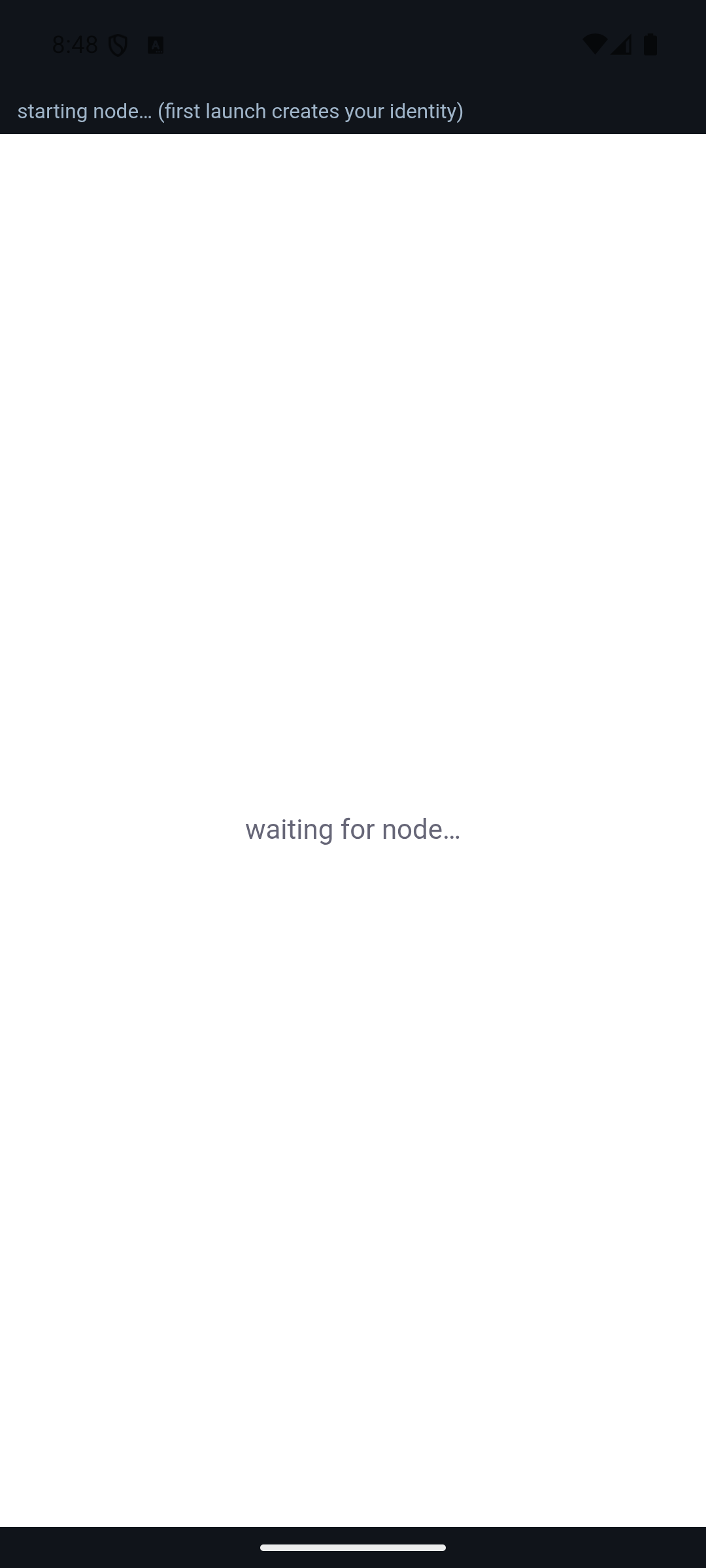
Grab the app for your platform from the download page (desktop, or the Android alpha). On first launch it starts a full node and creates your identity automatically — a cryptographic keypair held on your device. No email, no phone number, no account.
Meet your identity
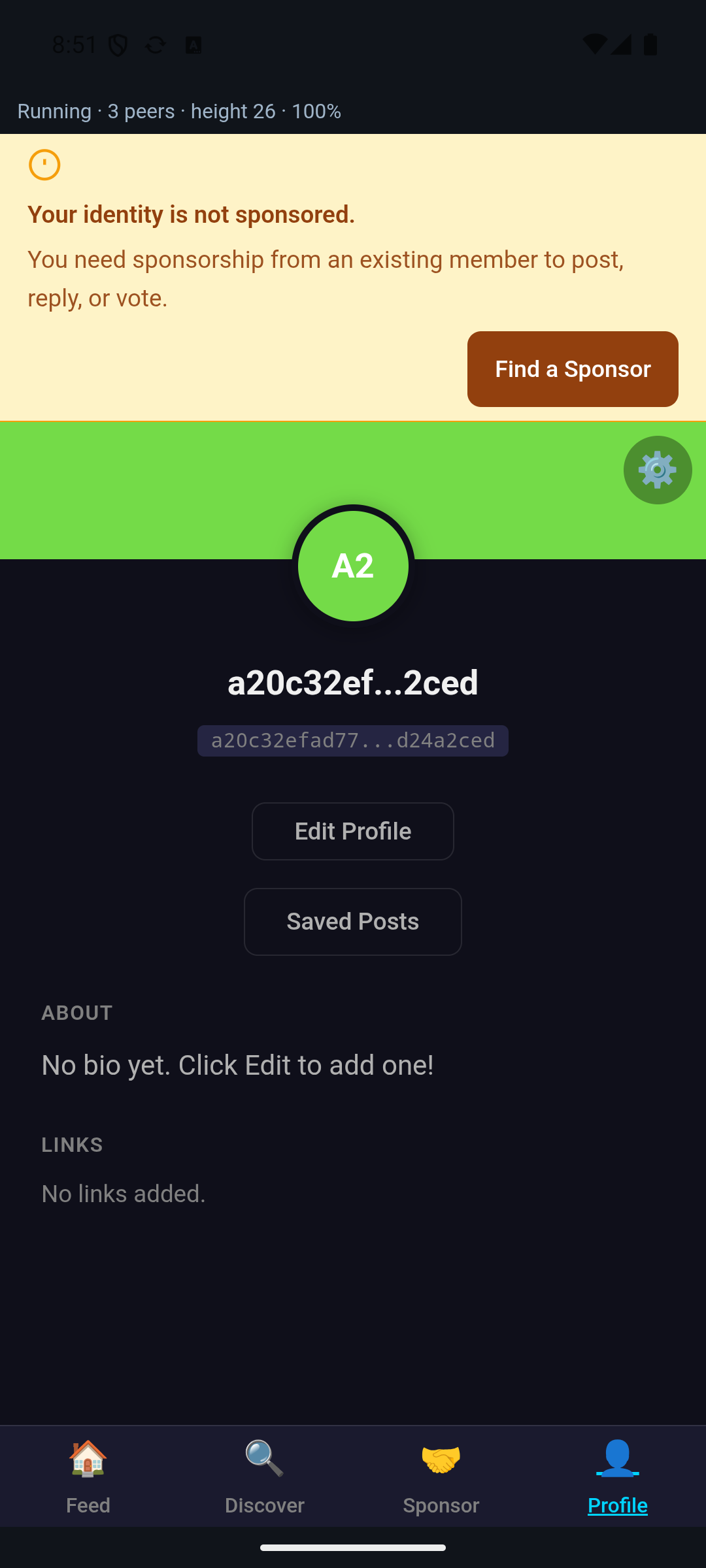
Your Profile tab shows who you are on the network: a public key (the
a20c32ef… address), not a username you registered. Reputation and
history accumulate to this key over time. You can add a display name, bio, and
links whenever you like — none of it is required.
Get sponsored so you can post
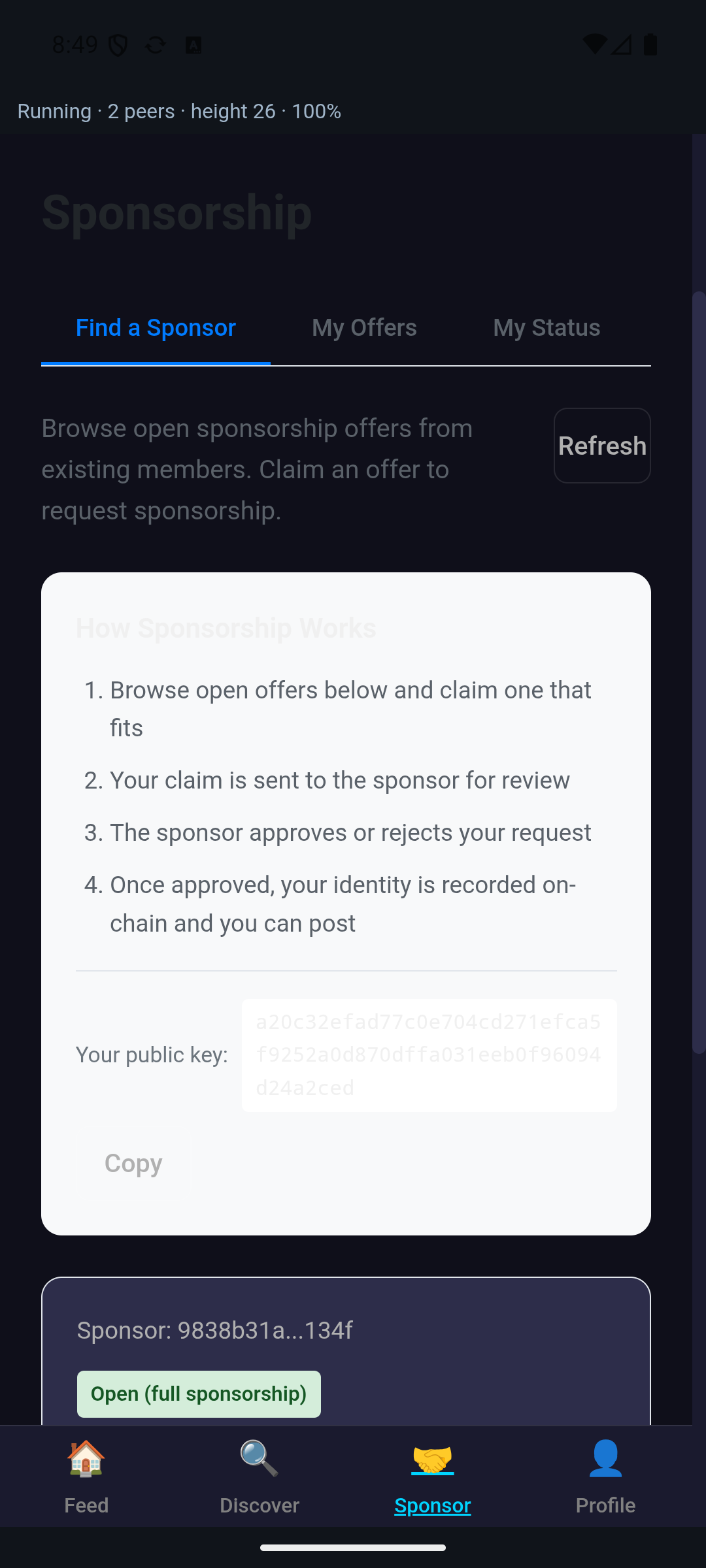
Swimchain has no open sign-ups — that's how it stays Sybil-resistant. A brand-new identity can read everything, but to post, reply, or engage you need to be sponsored by an existing member. Open the Sponsor tab → Find a Sponsor:
- Browse open offers and claim one that fits.
- Your claim is sent to that sponsor for review.
- The sponsor approves or rejects it.
- Once approved, your identity is recorded on-chain and you can post.
No open offers, or want a specific person to vouch for you? Copy your public key from this screen and share it with a member you know — they can sponsor you directly. A sponsor is accountable for who they bring in, so this is a real introduction, not a captcha.
Find spaces & people
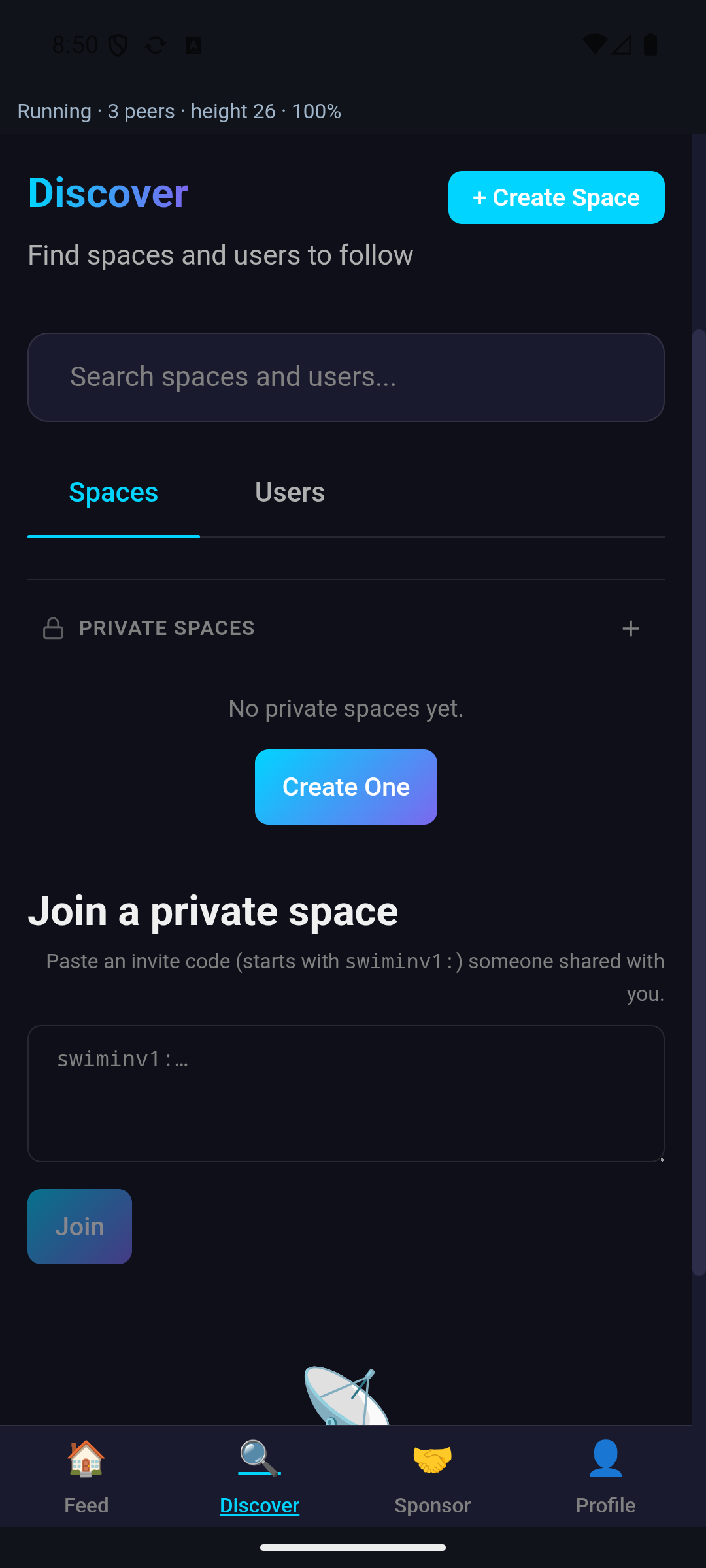
The Discover tab is where you find spaces (communities) and users to follow — search, or tap + Create Space to start your own. Following a few spaces fills your feed.
Private spaces work by invitation: paste an invite code (it starts with
swiminv1:) that someone shared with you to join, or spin up your own
private space and invite others.
Post, reply, engage
Once you're sponsored, the + button composes a post, and every post you open lets you reply and engage. Two things to know that make Swimchain different from other apps:
- Everything costs a little proof-of-work. Posting takes a few seconds of your device computing — that's the anti-spam, and it's deliberate.
- Content lives on attention. Posts stay alive while people engage with them and quietly fade when they stop. Engaging is how you keep the things you value afloat.
Your feed starts empty — follow some spaces, and it fills up.